NTRODUCTION OF FASTAPI
FastAPI is a Python framework. It is a collection of tools that lets developers use frequently used functions, using a REST interface, to create apps. It can be called by using a REST API, which is a common building piece for apps. In this article, the author creates accounts, logs in, and authenticates using FastAPI.
Users of your API can access the OpenAPI schema that FastAPI automatically creates. Users can learn about the features of your API through the documentation produced by the OpenAPI schema.
AWS
Over 200 completely functional services are offered by Amazon Web Services( AWS) from data centers located all over the globe. AWS is the most comprehensive and popular pall platform in the world. Suppliers, ISVs, and operation providers can snappily and securely host your apps on AWS, irrespective of whether they’re SaaS-grounded or not.
Use the AWS Management Console or the well-proved web services APIs to connect to the operation hosting platform handled by AWS.
LAMBDA
The service for serverless computing, AWS Lambda, maintains the underlying compute resources for you while automatically running your code in response to events. For example, when a consumer adds something to their shopping basket on an e-commerce website, the updates or status changes occur automatically.
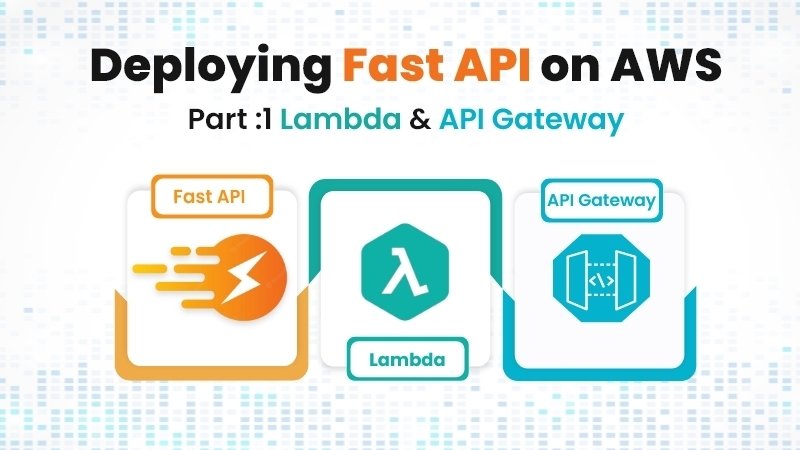
API Gateway and AWS Lambda
API Gateway should use a wildcard for any destination to redirect to the FastAPI Lambda and internally route the request correctly. In this way, each time an API request is performed, just one expense is incurred.
Requirements
- Python
- Virtualenv
- Fastapi
- AWS Account
Create FastAPI App
Virtualenv
Create and activate your virtual environment first.
Virtual Environment Setup
Create a new folder once Virtualenv is installed.

Then put a CD in it.

The following command will create a new folder at the project’s root level where all of the app’s dependencies will be kept.

Next, set your terminal to use the virtual environment as a reference.

FastAPI Installation
After setting up the virtual environment, we may install some dependencies, including FastAPI and Uvicorn.

Add main.py File

Run FastAPI

In the browser visit htpp://localhost:8000/docs
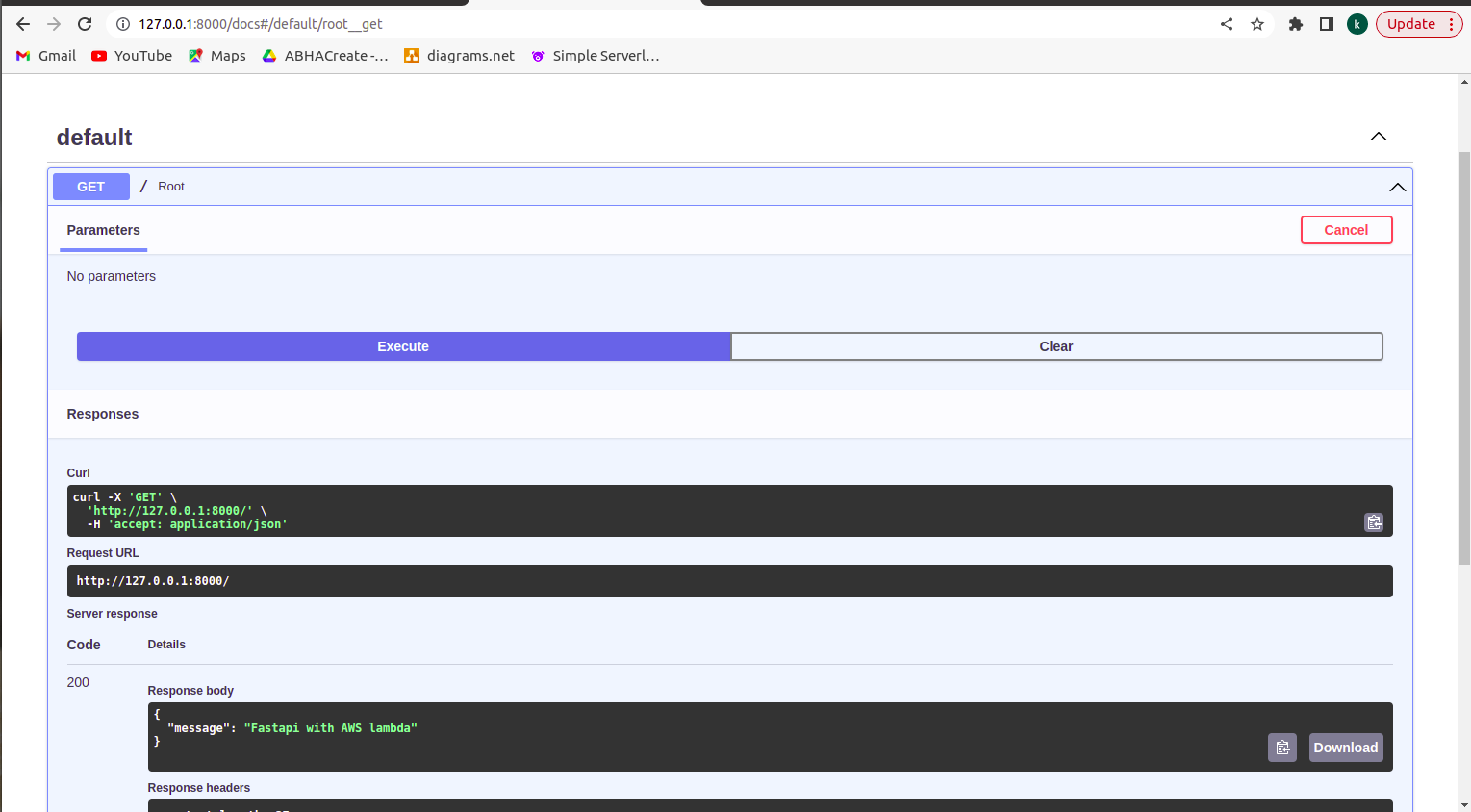
By selecting the GET / Root route and then selecting execute, you can test your endpoint from this page.
FastAPI with AWS Lambda
Setup AWS Resources
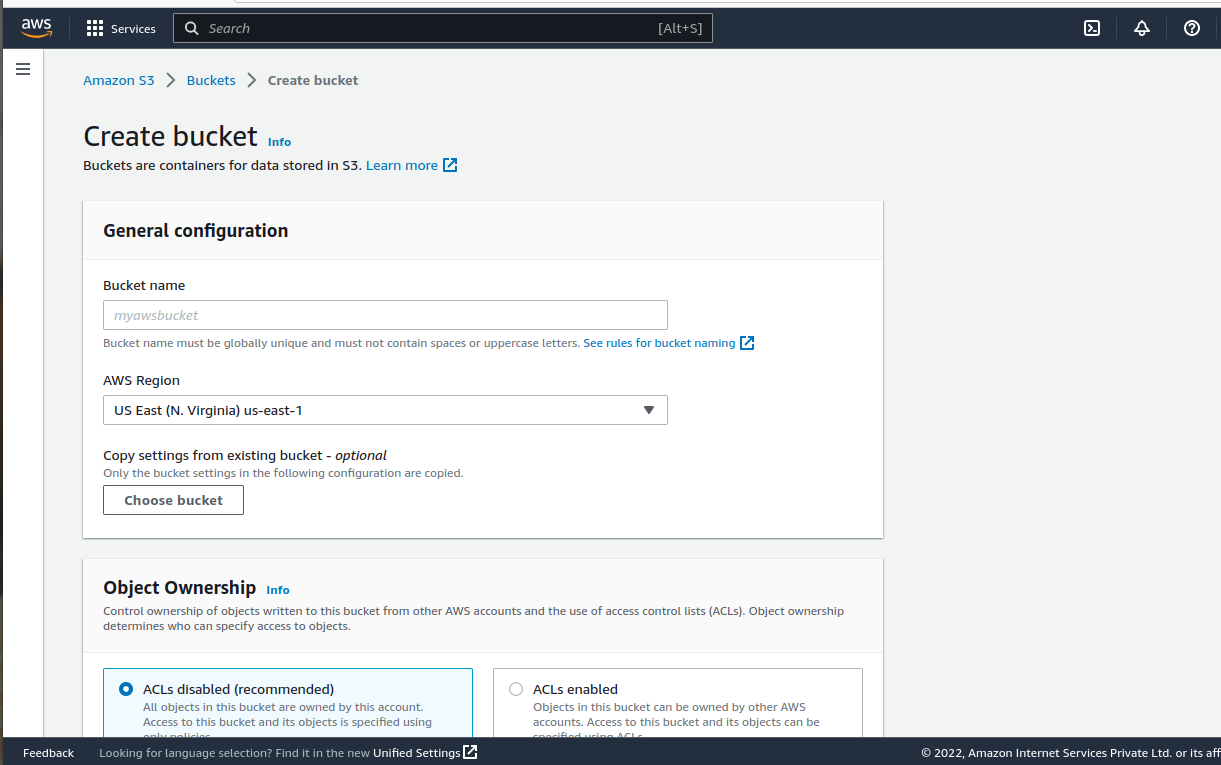
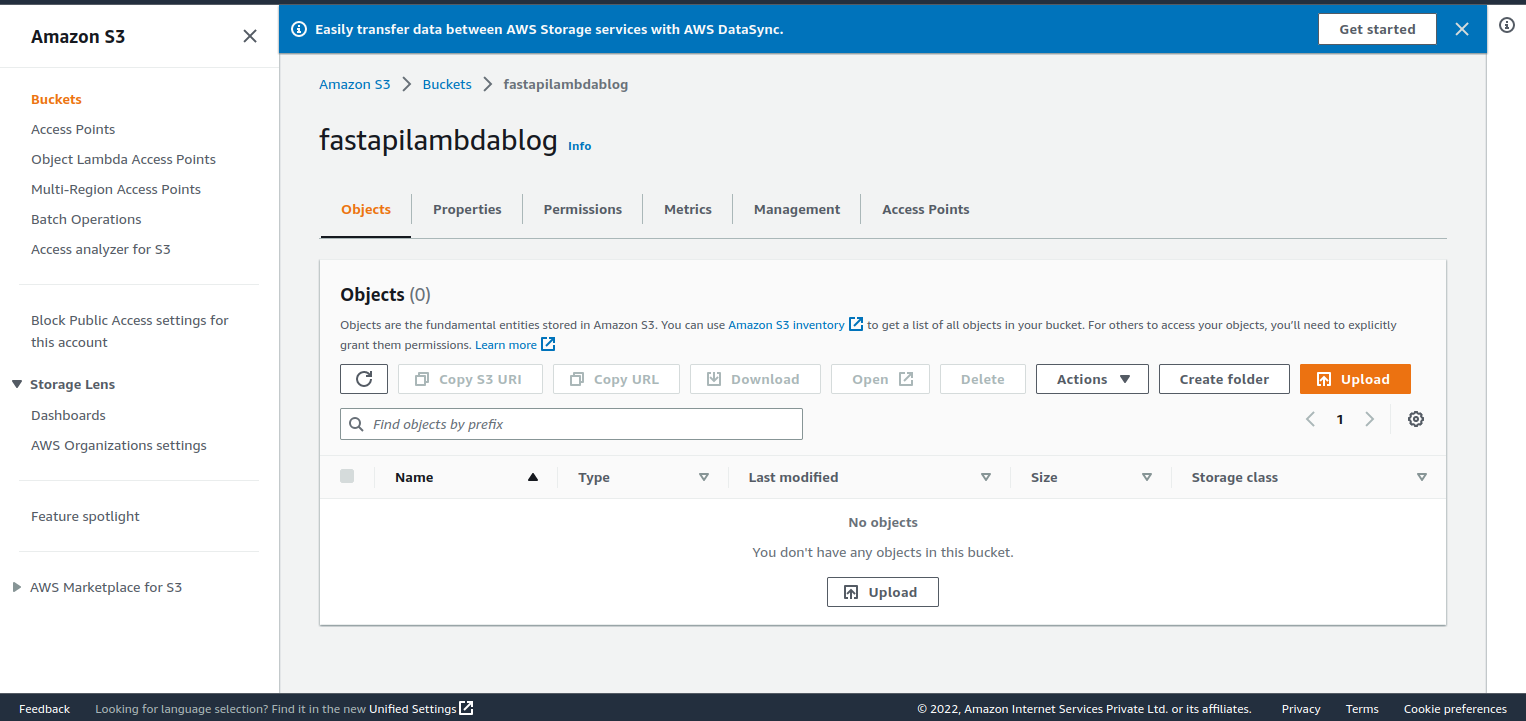
Create S3 Bucket
- Select S3 and then click Create Bucket in the AWS console.
- Click Create after giving it a name.
Create AWS Lambda
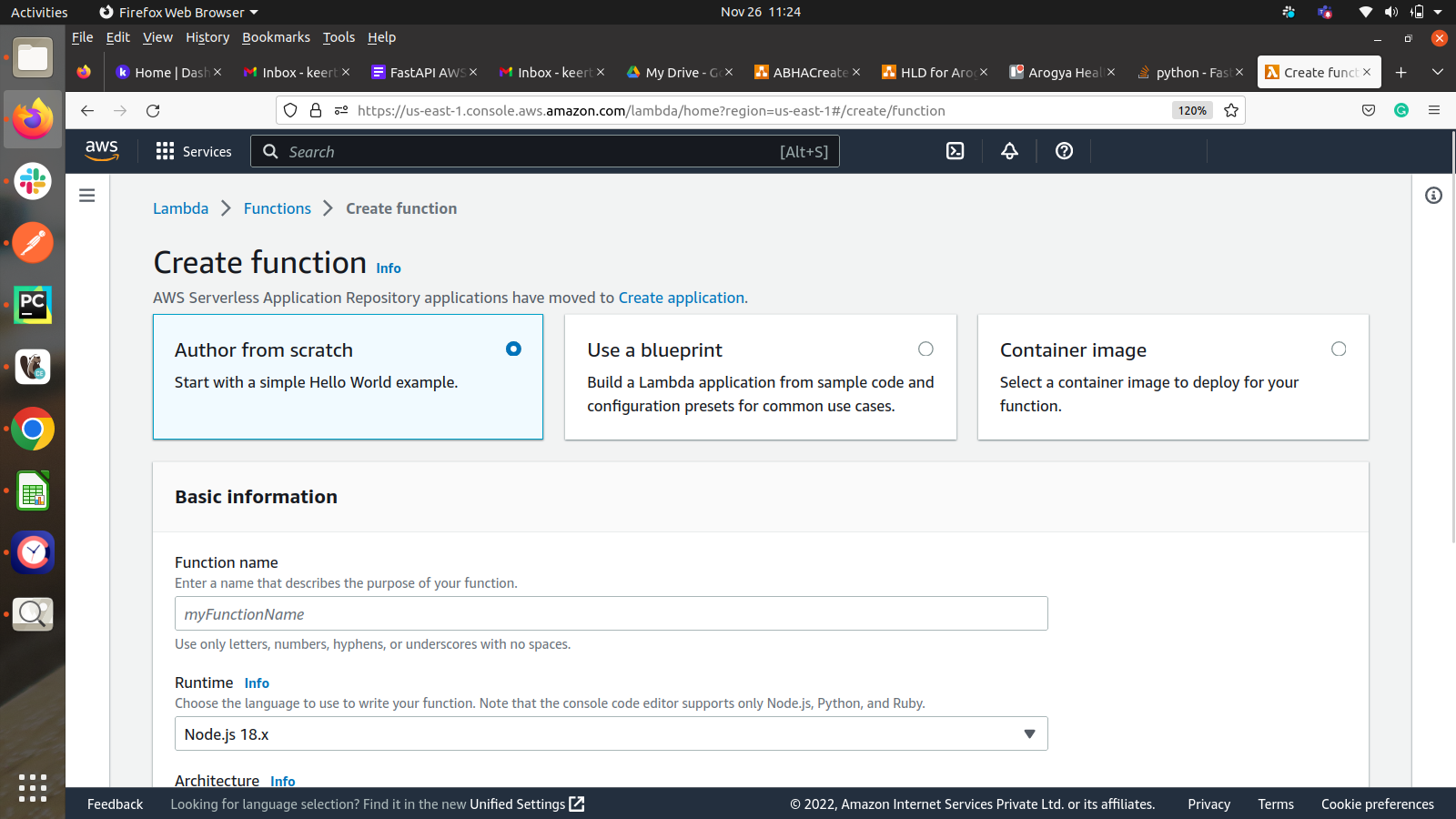
- Navigate to Lambda and click Create Lambda
- Author from scratch and add a name
- Select Python 3.8 Runtime
- Choose or create an execution role
- Creating a new role using the default is fine.
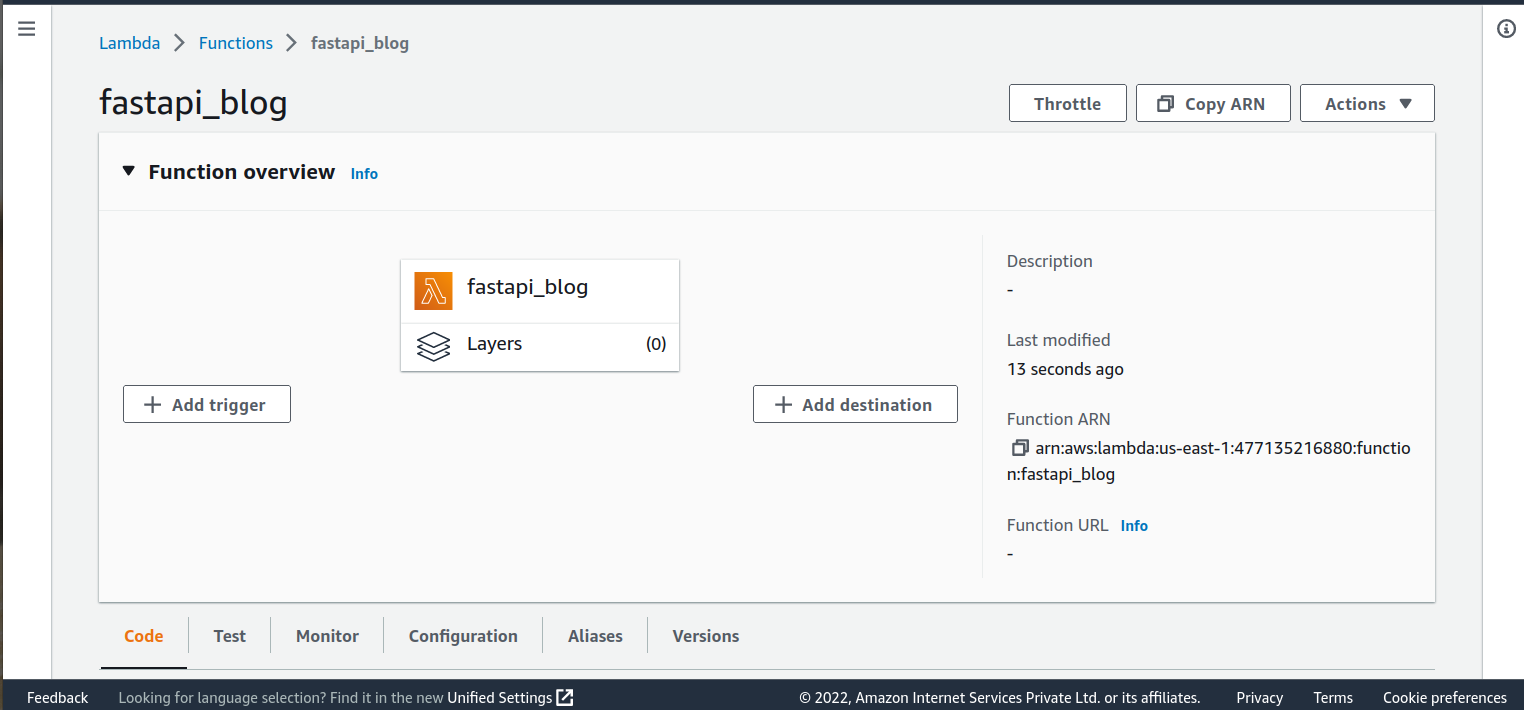
Creating and sharing Lambda layers
Libraries and other dependencies that you can utilise with your Lambda functions can be packaged quickly using Lambda layers. Layers allow you to publish your code more quickly and with smaller submitted deployment archives.
A layer is a.zip file archive that can include extra code or data inside it. A layer may include data, configuration files, libraries, or a unique runtime. Layers encourage code sharing and responsibility separation so that you can write business logic more quickly.
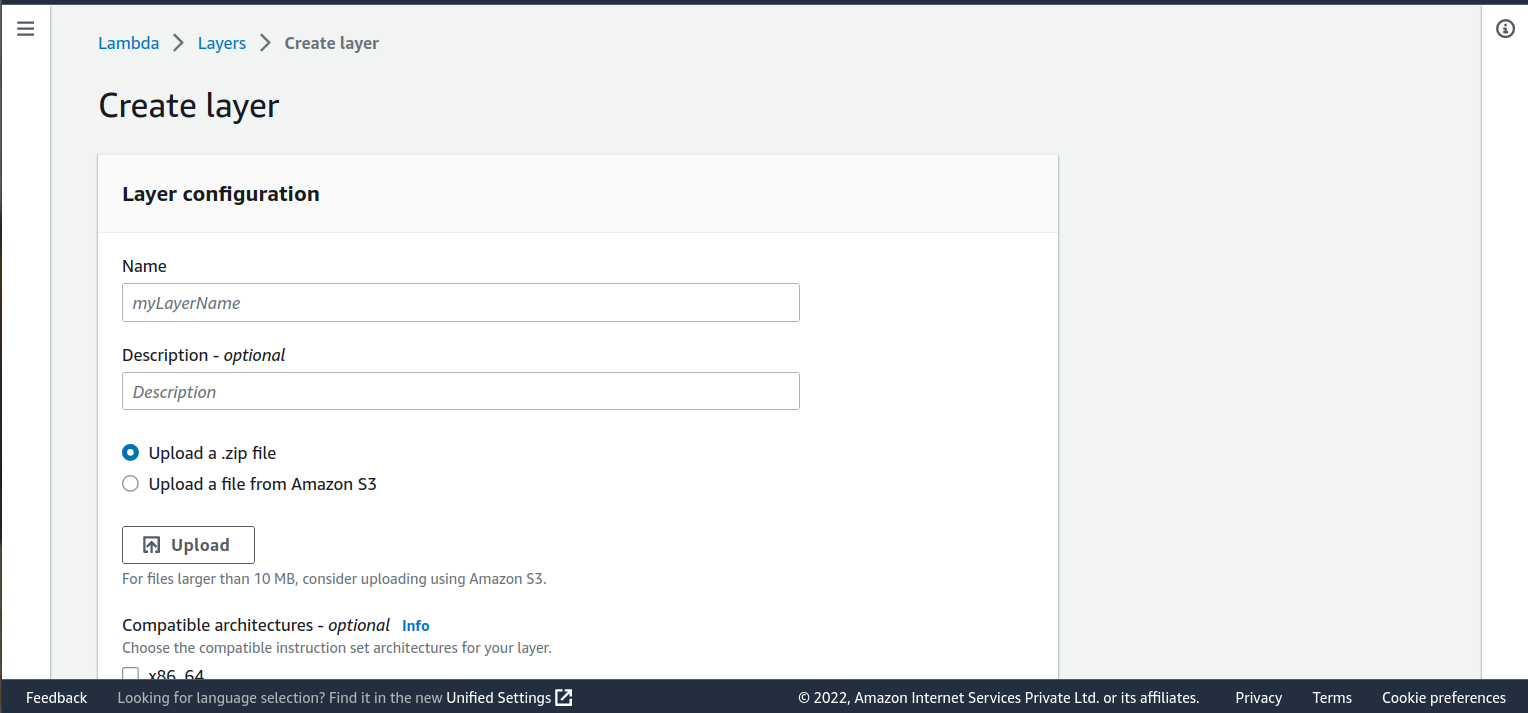

Deploy Python Lambda functions with a .zip file
Create the deployment package’s.zip file.
To create the deployment package
- Open a command prompt and create a dependency-function project directory.
- Navigate to the dependency-function project directory
- Create a new file called lambda function.py and save the following sample Python code in it:

4. Install the requests library in a new package directory

5. The installed library should be the root of the deployment package you create.

6. Include the lambda function.py file in the zip file’s

Using a virtual environment
Utilising a virtual environment, updating a Python function
1. Activate the virtual environment. For example,

2. Install libraries with pip.

3. Deactivate the virtual environment.

4. The installed libraries have to be in the root of a deployment package.

5. Files with function code should be added to the deployment

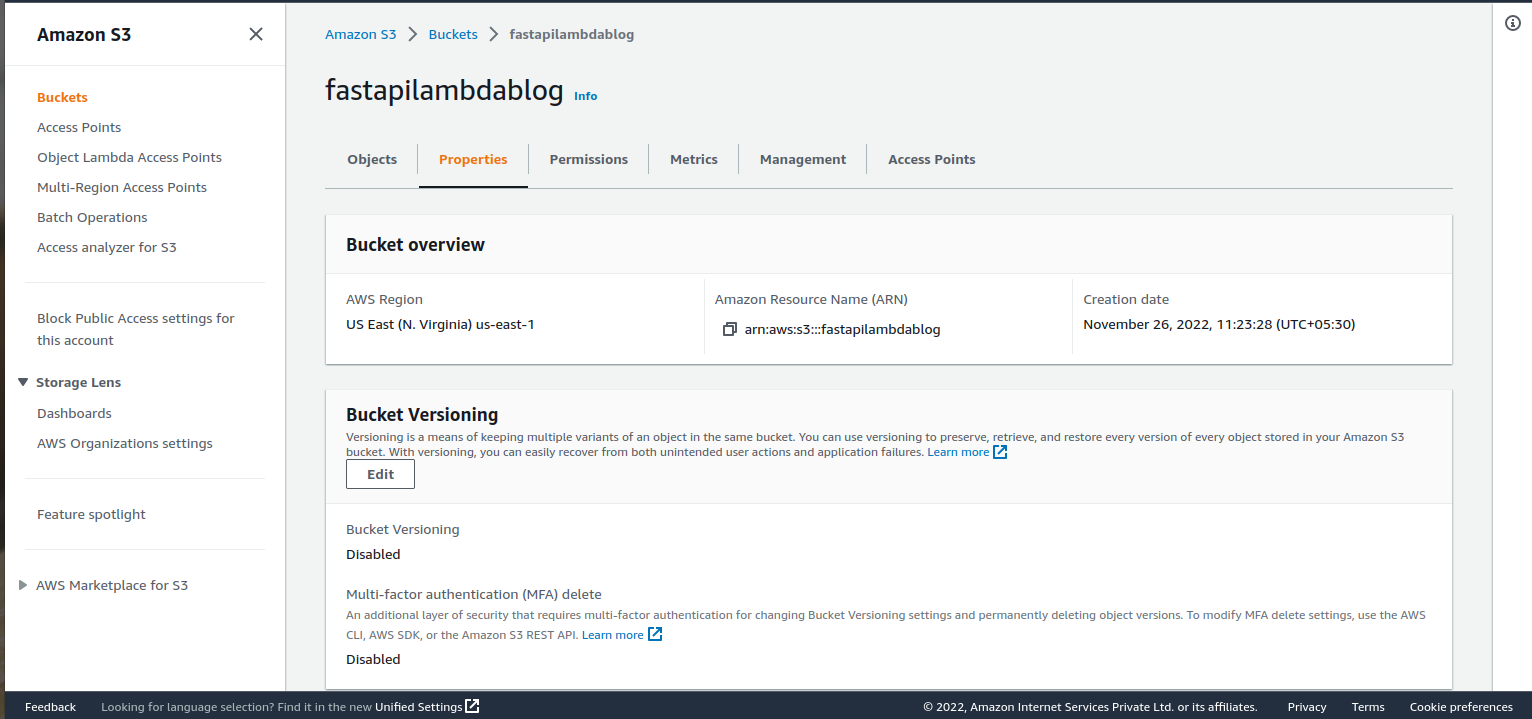
S3 Bucket put event:
- Navigate to s3 bucket
- In the properties tab choose Event notification
- Under Event notification, create an event notification
- In the event type choose trigger event.
- In Destination choose lambda function
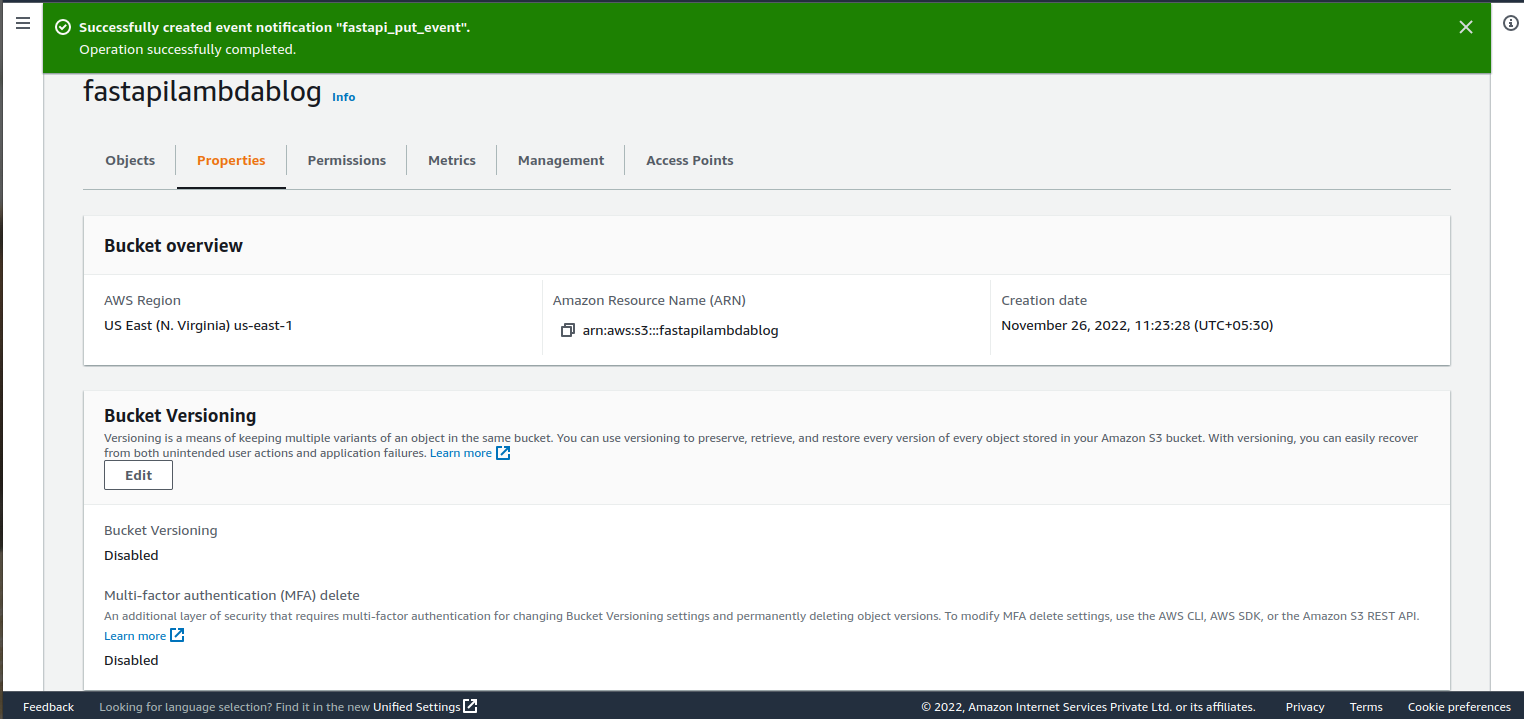
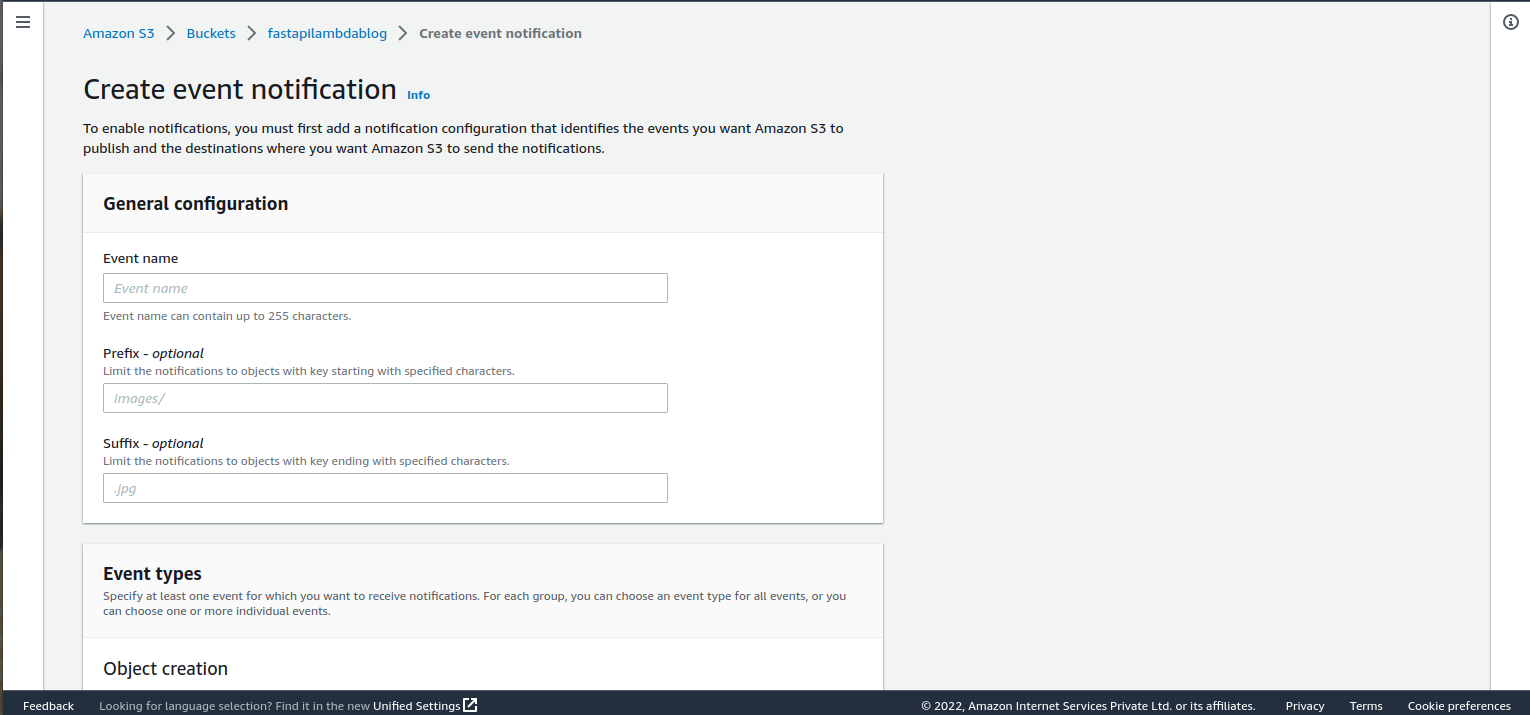
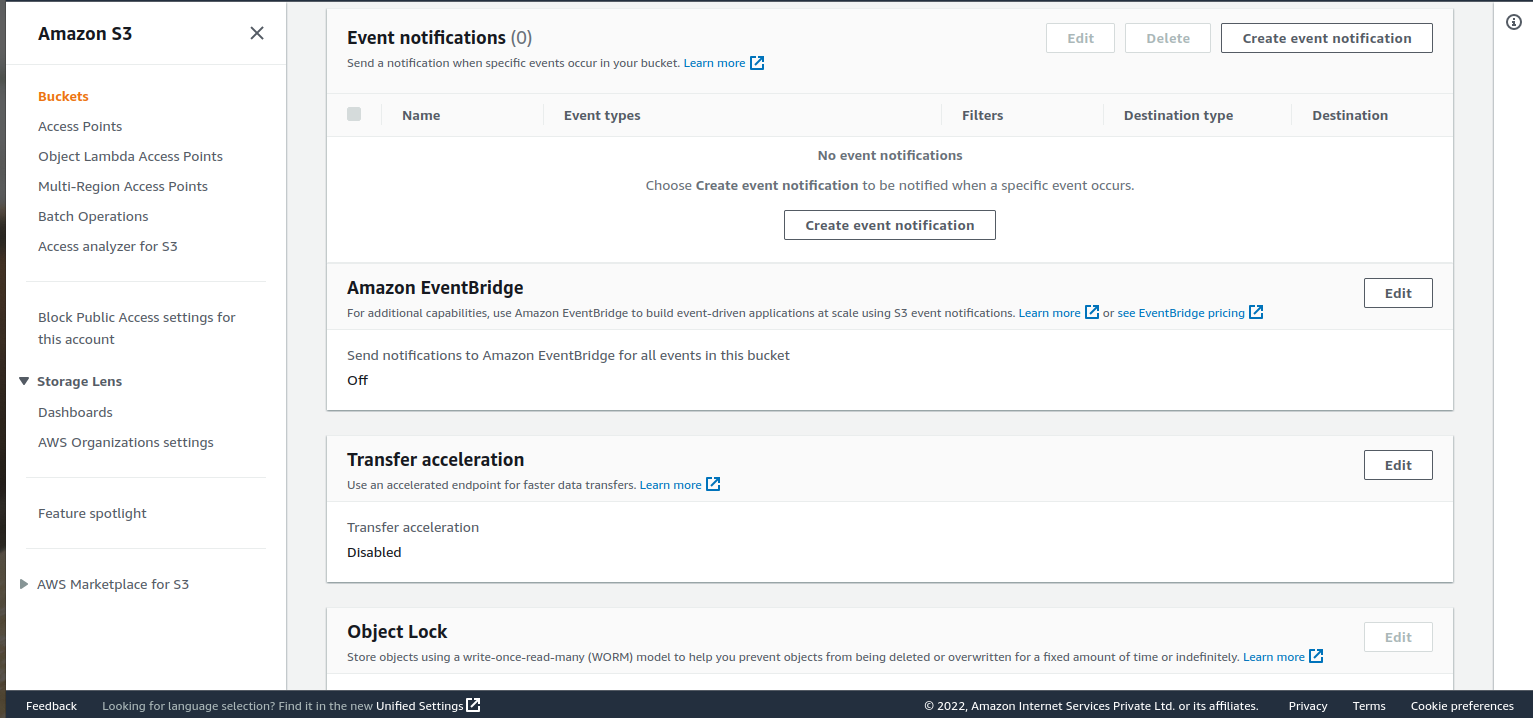
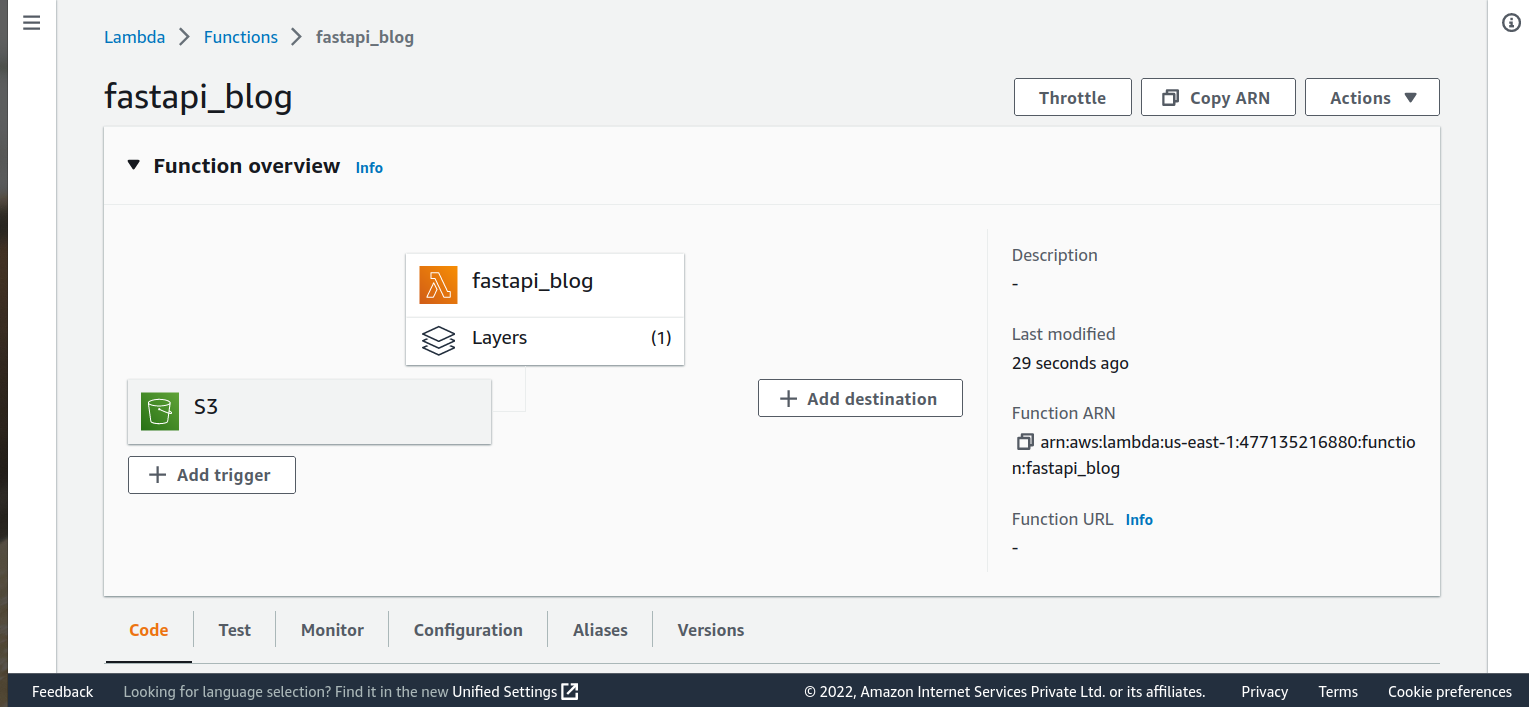
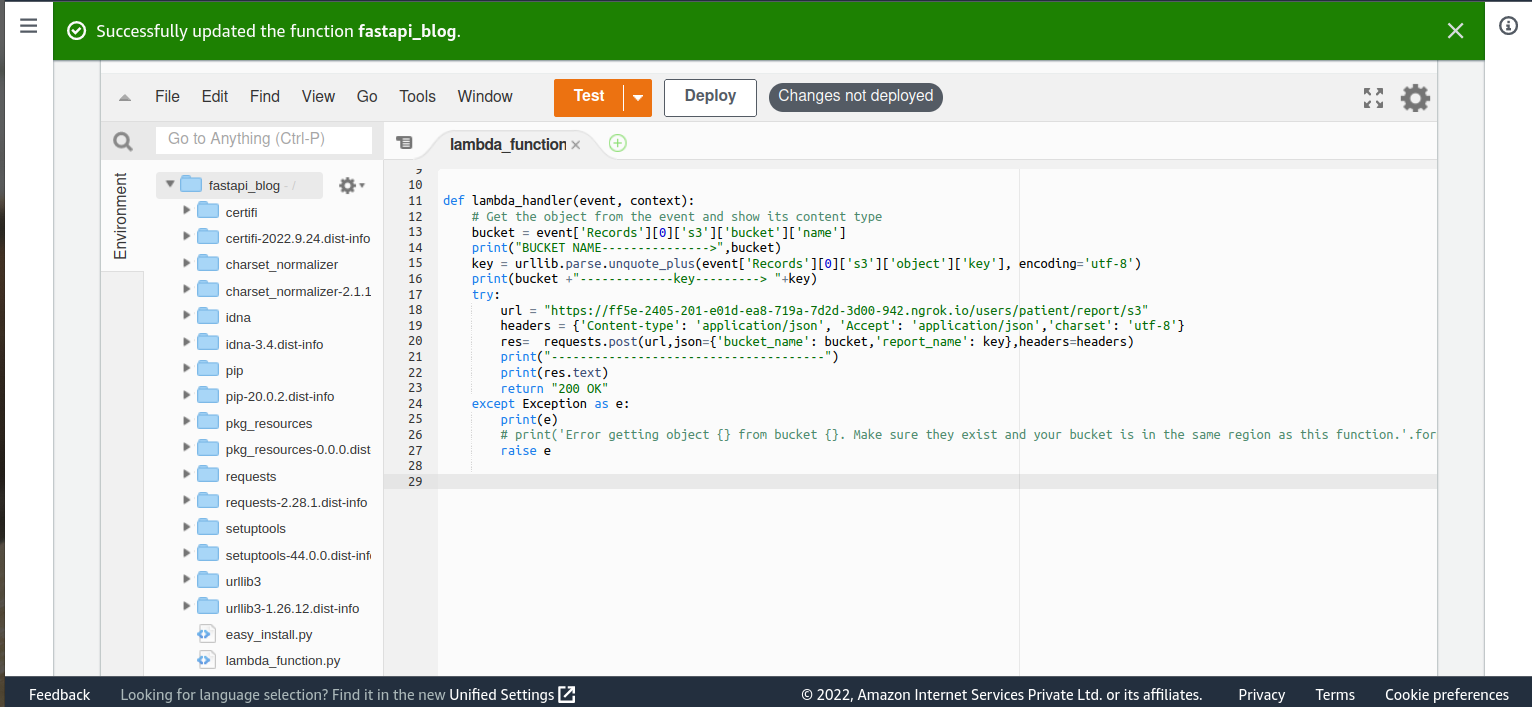
After uploading the .zip file to the layer, it will reflect in the lambda function with all respective packages. Add the respective python code for connecting local API when a new action or file is entered into the s3 bucket.
Conclusion:
An on-demand computing service called Lambda executes unique code in response to events. To process the same data using different Lambda functions or to process items from different streams using the same function, you can define multiple event source mappings.
In terms of efficiency, FastAPI performs much better. Asynchronous request processing is the cause of this. For larger-scale machine learning projects, especially enterprise ones, FastAPI is superior to Flask because it can handle requests considerably more quickly.